
Welcome to my new D365 Business Central blog, I have been consulting now for 5 years after starting my dynamics journey as an end user over a decade ago. I’ve watched Dynamics Nav evolve at a scare pace to what it is today, an amazing product that I truly believe in.
Lately I have been exploring AI and how we can use it to benefit Business Central in general, from consulting to developing and to end users.
Lately I have invested in an AI subscription which i will not name just yet. Given that I am someone who is not very technical at all, the AI desktop app has helped me do things I never thought I could. I wanted to use AI to develop a selection of extensions based on features i felt i needed when I used to work as a finance manager using NAV.
I wanted to write this article to talk about what role AI will have in helping BC customers achieve and more with Business Central, to start with I will share my journey with what I have done so far.
To start with , it has become increasingly difficult to get a demo system of Business Central, a friend of mine told me to set up a “Docker”. I didnt even know what this is so I asked my AI assistant to talk me through this and within a few hours I had a test system that ran locally on my mighty laptop.
After that, I then wrote up some requirements for an extension to give me the abilitiy to uplaod journals using excel (yes i know you can use edit in excel but nobody likes that). I wrote the specification in plain english rather than something i would write officially for an actual human developer. To my shock, my AI assistant within 20 seconds spat out several files which it wanted me to put into Visual Studio. Again I didn’t know anything about Visual Studio so naturally i asked AI to then talk me through how to get up and running with the correct language extensions which I did.
So, I then opened these files in Visual Studio and managed to AI to tell me how to publish this extension to my Business Central docker, and within one late evening I had now created my own extension with zero knowledge of development and guess what… it worked. AI then suggested ways to improve it which i took on board and created a new version.
I created this extension and I added a setup page to enable/disable as i decided my extension would be a suite of smaller functions which can be turned on and off. Clear Finance was born!
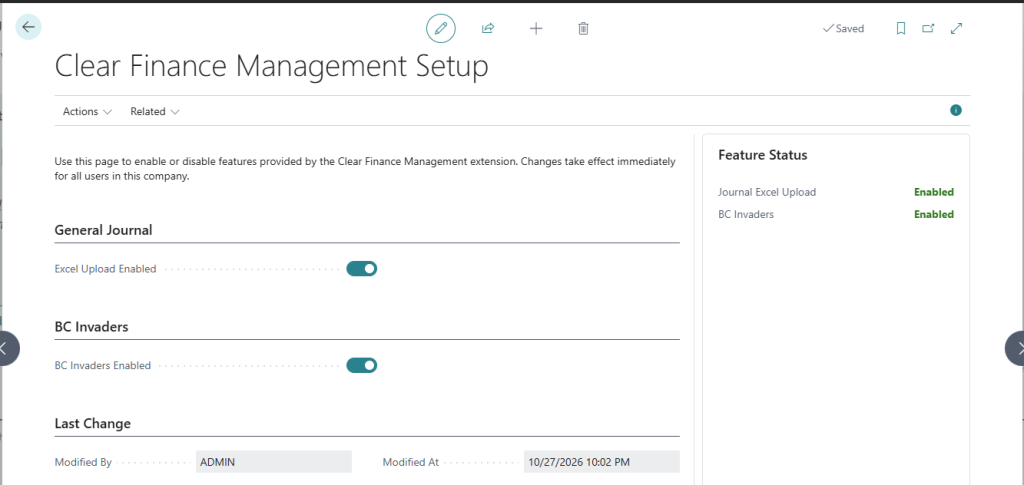
I then shelved it for a long time until I started seeing the hype build up about GTA 6 which has been released today in the UK.
I thought , maybe i could build a game within Business Central, and i had this idea of space invaders where BC would shoot down other ERPs. So i asked my AI to do this and here we have BC invaders!!
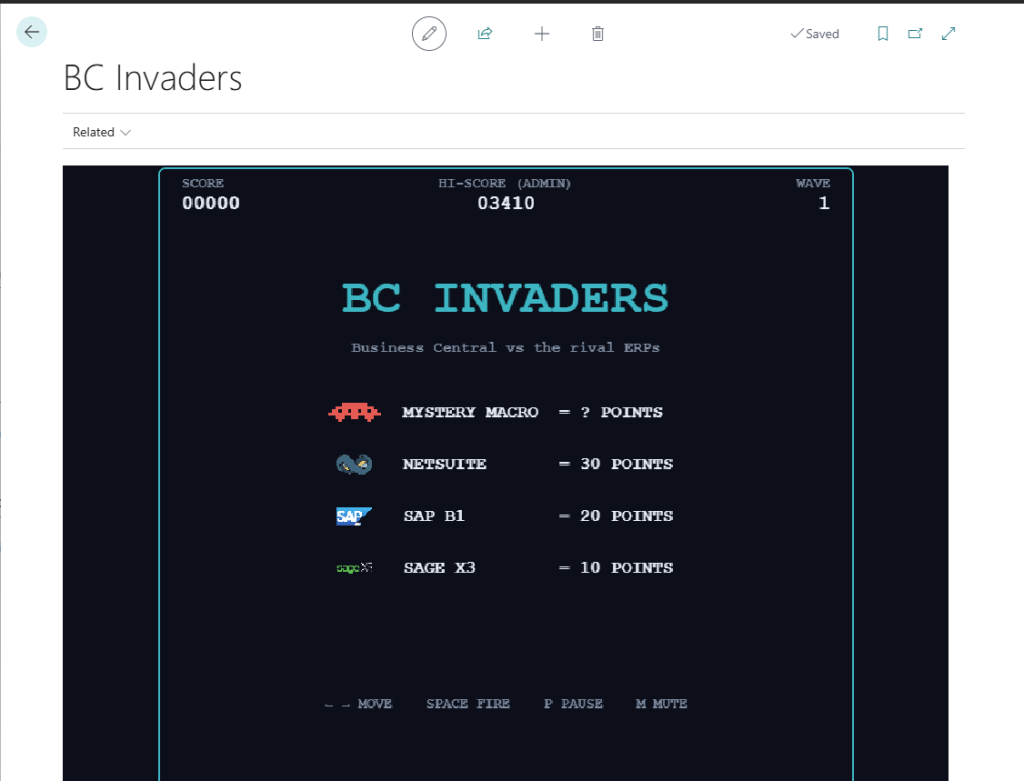
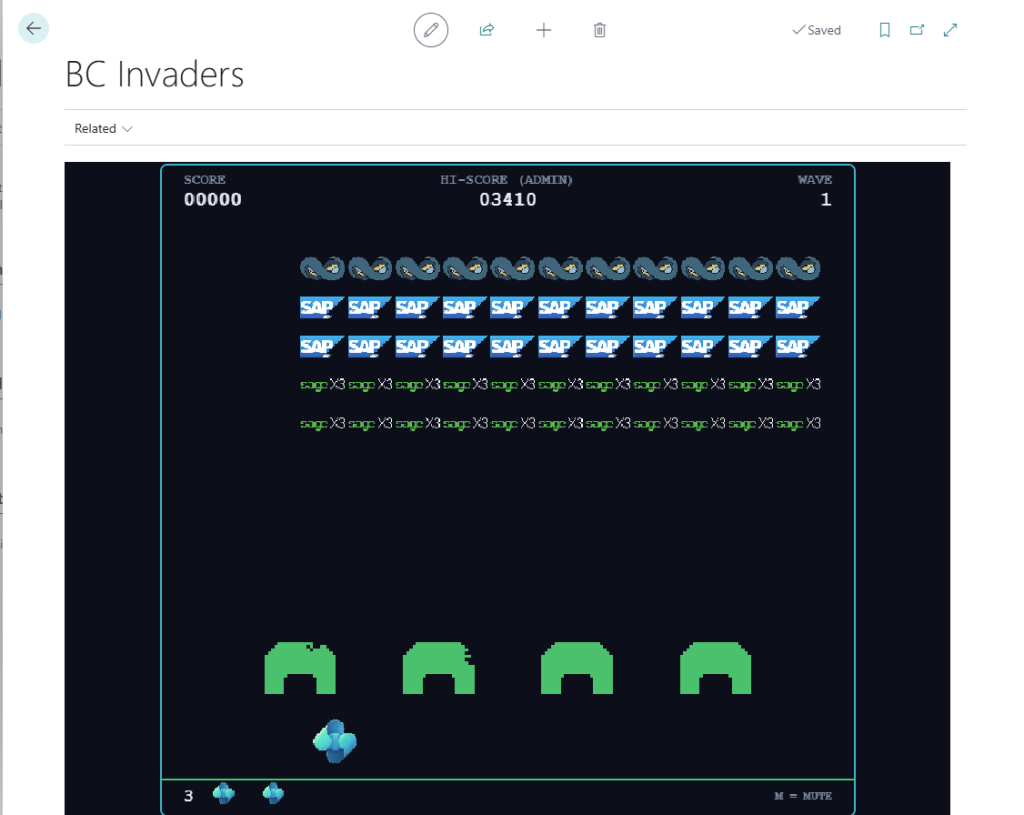
Scary isn’t it?? A simpleton like myself can make an extension and even a new game within a complex ERP like D365 Business Central.
What does this mean for the future of Business Central? Here are several things that I am fairly certain will happen
- MSPs will have fewer developers and will depend on AI with senior developers simply reviewing code. Several of my friends have reported that this is happening already.
- AI extensions will most likely start being built directly in Business Central sandbox environments without the need to write or compile an extension. The AI will just understand everything.
- AI agents are likely to read through your functional requirement documents or discovery documents and write extensions for your modifications straight away.
- Customers will start making their own extensions and deploying them without really considering the consequences of what happens when things go wrong
Either way, I made a game from scratch before GTA 6 was released!!
This is my 1st post, I genuinely thank you if you took time to read this. Please share my content.
Leave a Reply